01
Everyone adds to one list.
Anyone can add what they need. Everyone sees the same list, wherever they are.
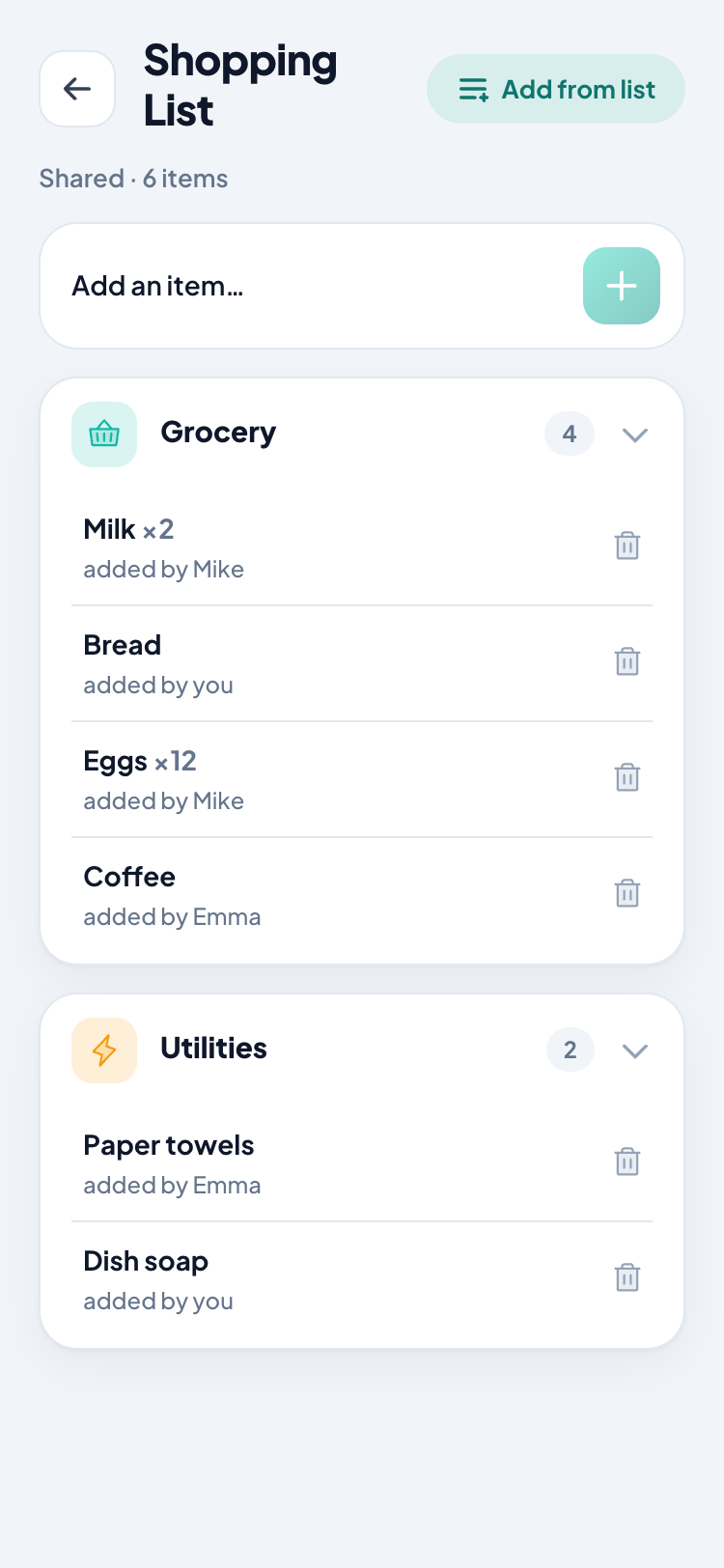
Add what you need from anywhere. Everyone sees the same list instantly. Take it to the store, and ShareLista turns what you bought into your household expenses.
The problem
A message from your partner. A note in your head. Something you remembered at work. A receipt in the drawer.
The information is everywhere. The shopping still happens once.
How it works
Anyone can add what they need. Everyone sees the same list, wherever they are.
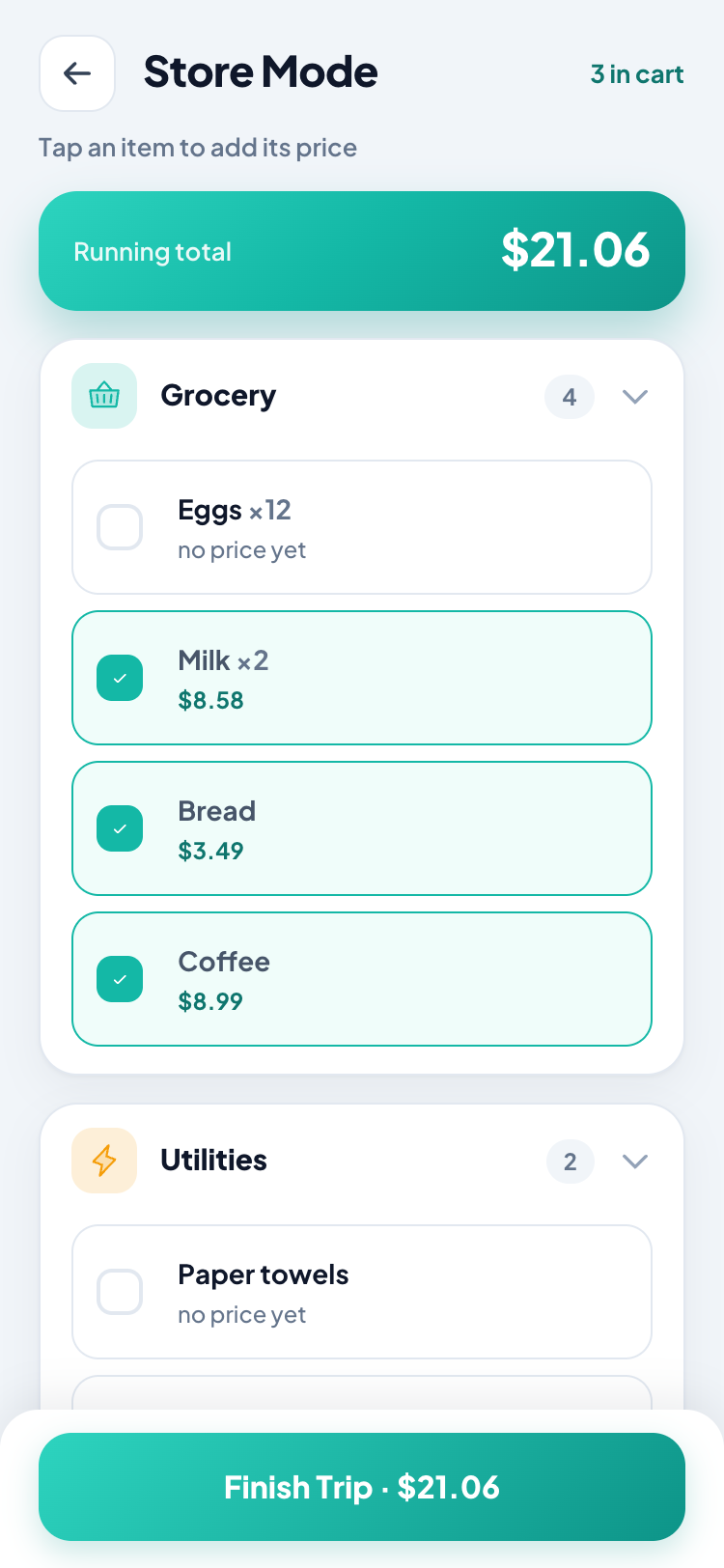
Open Store Mode when you get to the store. Tick things off, see your running total, and keep moving.
Tap Finish Trip and the basket becomes your expense history — automatically.
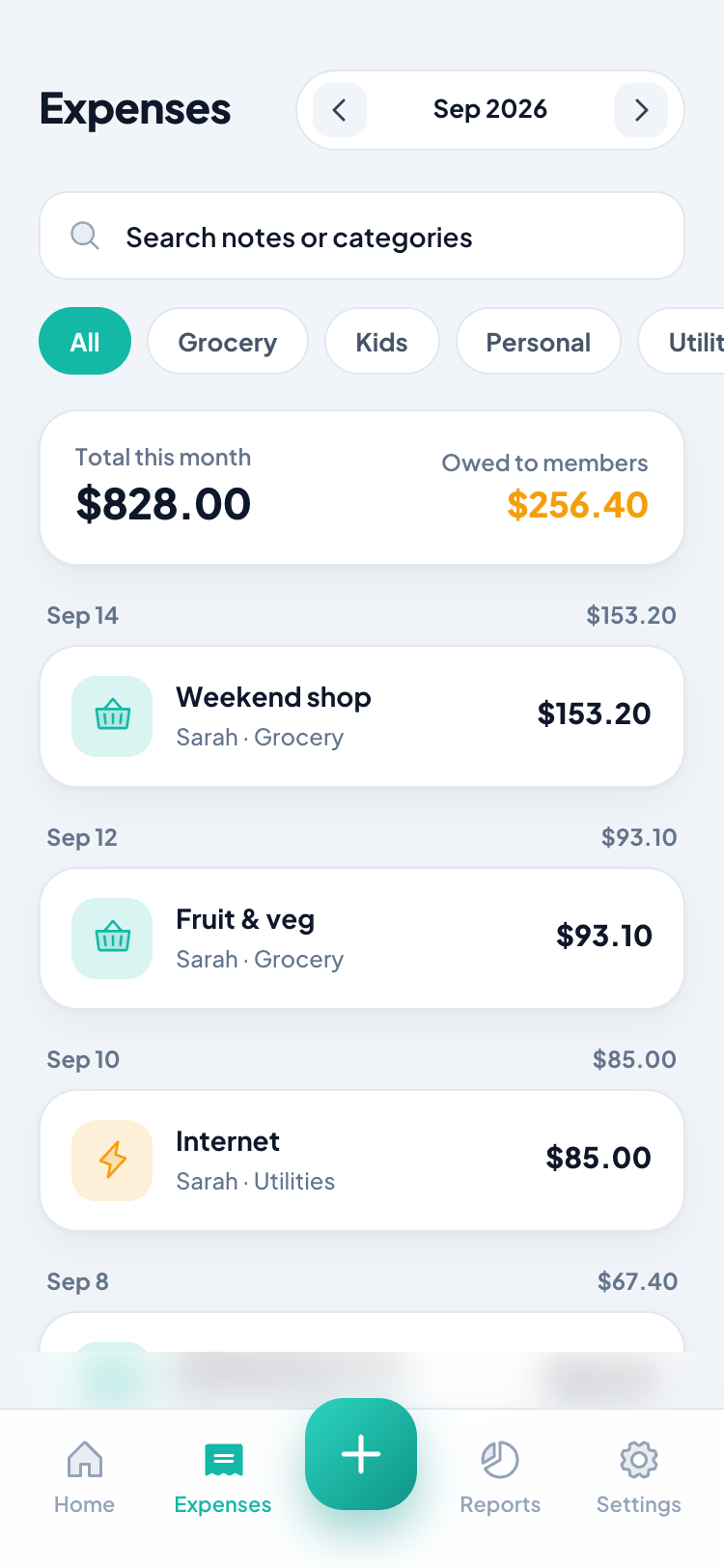
One list. One shopping trip. No duplicate data entry.
More than a grocery list
The list makes shopping easier. Shopping creates your history. Your history makes household money easier to manage.
Add something from work, the sofa, or the checkout line. Everyone sees it immediately.
Big targets. Running total. No signal required.
Because you ticked the list instead of typing your expenses, ShareLista already knows what’s in the bag.
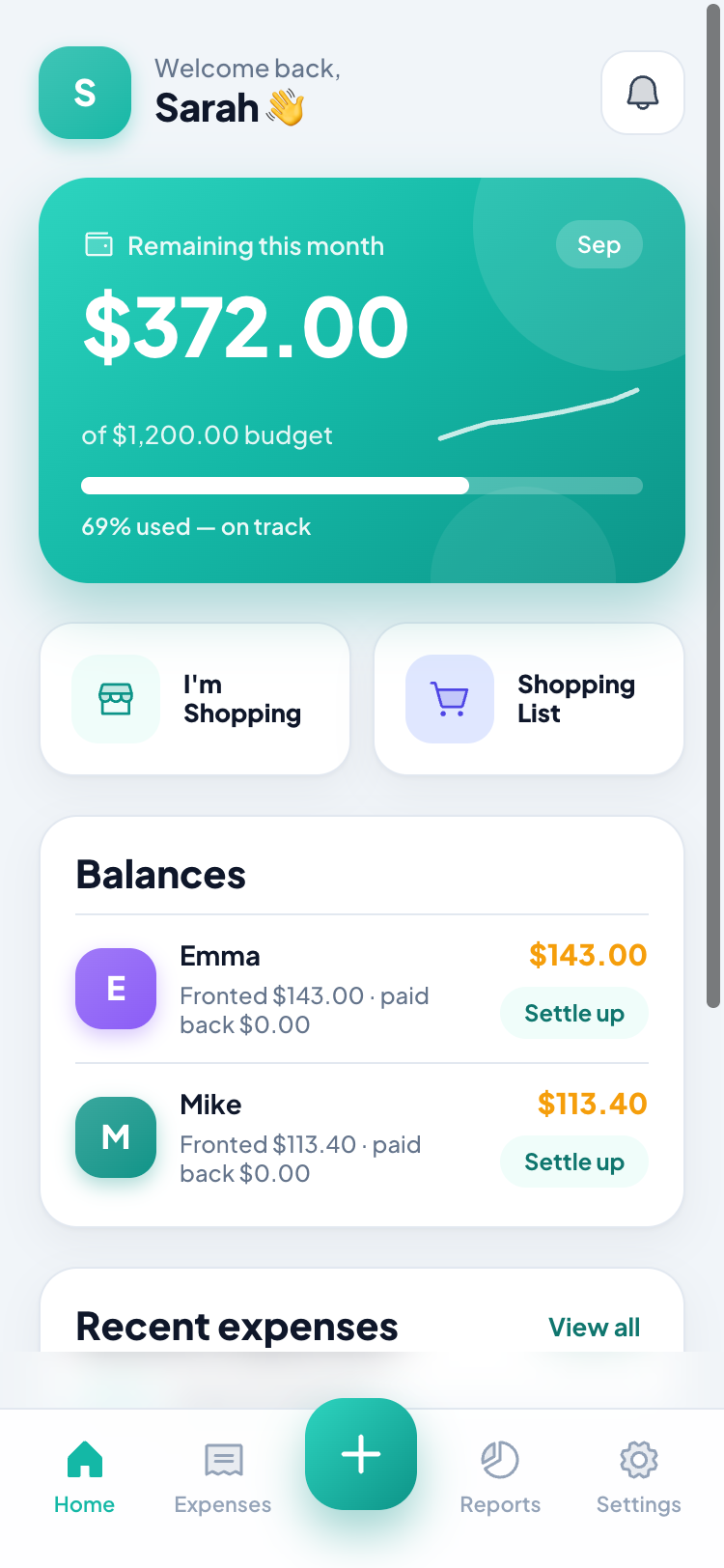
Track what was bought, who paid, what’s left, and who owes whom — without connecting your bank.
Rent, utilities, internet, subscriptions — set them once and let ShareLista handle the reminders.
Household money
One person might fund the household budget. Someone else buys groceries. Another pays the electricity bill.
ShareLista keeps track of what actually happened.
No bank connection required.
And if you don’t want the money features, turn them off. The shared list and Store Mode work perfectly on their own.
Why ShareLista
Shared-list apps stop at the groceries. Splitting apps start after you’ve paid. Budgeting apps don’t know what you actually bought.
ShareLista connects all three.
| Feature | ShareLista | List apps | Split apps |
|---|---|---|---|
| Shared shopping list | — | ||
| Store Mode | — | — | |
| Running shopping total | — | — | |
| Knows what you bought | — | — | |
| Household expenses | — | ||
| Recurring bills | — | Some |
Simple pricing
Every feature on this page is included.
No trial. No credit card. No locked reports. No premium tier waiting around the corner.
Just use it.
No. Only whoever creates the household signs in, with Google or Apple. Everyone else joins by scanning a QR code.
No. Turn them off and you still have the shared list and Store Mode.
Yes. Add something and it’s on everyone else’s phone straight away.
Yes. Whatever one of you ticks off vanishes from the other’s list.
Yes. Add and tick with no signal; it syncs when you’re back.
No, and you can’t. There’s no bank integration. Privacy policy →
Yes. Every feature on this page is included. No trial, no card, no premium tier.
Not yet. The web app works on Android today. Join the waitlist →
Free forever. No card. They join by scanning a code.
Android coming soon — join the waitlist →